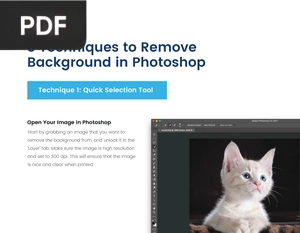
3 Techniques to Remove Background in Photoshop
SinaLite
Three clear methods for removing the background from an image, including the Quick Selection tool and other selection techniques. Useful for product shots, portraits, and clean cutouts.
Loading the book...
Keep reading
-
Next in this topic
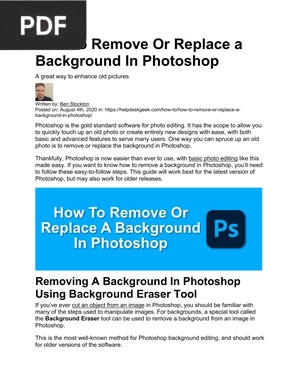
How To Remove Or Replace a Background In PhotoshopA practical walkthrough for removing or replacing backgrounds using the Background Eraser and selection tools. Great for refreshing old photos or building new composites.
Verified PDF · Secure download - Adobe Photoshop Help
The official Adobe reference manual for Photoshop, covering every tool, panel, and feature in depth. The most complete resource to look up anything as you work.
Verified PDF · Secure download - Adobe Photoshop Elements Help
The official Adobe manual for Photoshop Elements, the lighter version aimed at home users and photo organizing. Covers the workspace, quick fixes, and guided edits in full detail.
Verified PDF · Secure download - Introduction to Photoshop CS6
An introductory guide to the Photoshop workspace, image size, color modes, and working with layers. A clear primer for understanding how the core pieces fit together.
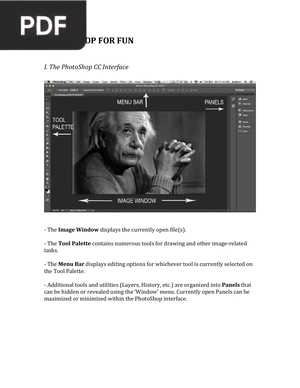
Verified PDF · Secure download - Photoshop for Fun
A relaxed project based introduction that teaches the interface and tools by creating fun images like memes. A low pressure way to start enjoying Photoshop.
Verified PDF · Secure download