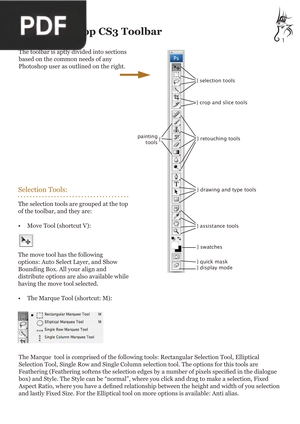
The Photoshop CS3 Toolbar
EdShare University of Southampton
A focused reference that explains every tool in the Photoshop toolbar, grouped by purpose, with the keyboard shortcut for each. A handy companion for learning what each icon does.
Loading the book...
Keep reading
-
Next in this topic
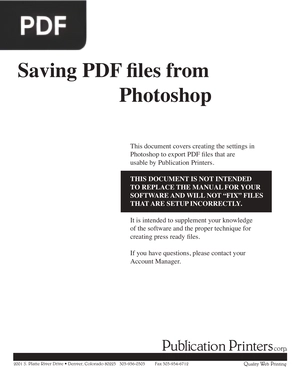
Saving PDF Files From PhotoshopA short technical guide to exporting print ready PDF files from Photoshop, covering document size, bleed, and file settings. Useful when preparing artwork for professional printing.
Verified PDF · Secure download - An Introduction to Adobe Photoshop
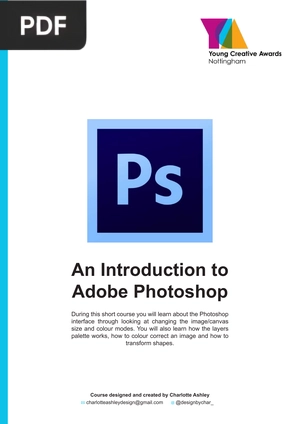
A short hands on course that walks you through the Photoshop interface, image and canvas size, color modes, layers, and basic color correction. A friendly starting point if you have never opened Photoshop before.
Verified PDF · Secure download - Introduction to Adobe Photoshop 2023
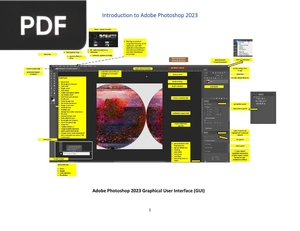
A modern training guide built around Photoshop 2023, covering the workspace, core tools, and the most common editing tasks. Practical and current, ideal for getting comfortable with the latest version.
Verified PDF · Secure download - Adobe Photoshop CS Tutorial
A step by step tutorial that introduces the Photoshop workspace, document setup, and the essential tools for editing images. Clear instructions make it easy to follow along at your own pace.
Verified PDF · Secure download - Photoshop Basics Quick Reference Guide
A visual quick reference that shows you exactly where to click for everyday tasks like opening a canvas, using the move tool, and working with layers. Each step pairs an action with what you see on screen.
Verified PDF · Secure download